

When you’re small, things work. A spreadsheet here, a manual export there. Someone copies invoice numbers from NetSuite into Salesforce. It takes fifteen minutes. No big deal. Then you grow. More deals, more transactions, more people touching data. Those fifteen minutes become two hours. Errors creep in. Finance starts asking why revenue numbers don’t match. Sales misses quota because comp calculations use the wrong data.
Scaling changes everything. What worked for a team of ten breaks for a team of fifty. Integration stops being a nice-to-have. It becomes the thing that keeps sales and finance from killing each other at the end of the month.
What Changes When Your Business Starts Scaling
More data means more friction. Salesforce might handle a thousand opportunities fine. When you hit ten thousand, manual processes fall apart. NetSuite transactions multiply. Orders, invoices, credit memos, refunds. Every transaction needs to match something in Salesforce. When it doesn’t, someone investigates.
The gap between CRM and ERP widens as you grow. Sales teams move faster. Finance needs tighter controls. Without a reliable connection between systems, you’re building processes on quicksand.
Common Integration Bottlenecks in Growing Teams
Slow sync kills momentum. Sales closes a deal. The opportunity shows as closed in Salesforce. Finance doesn’t see it in NetSuite until the next day. Someone manually triggers an export. Or worse, no one notices until reconciliation.
System overload happens gradually. The integration that worked fine at 500 transactions a month starts failing at 2000. Syncs take longer. Timeouts happen. Someone restarts the script manually. Then again, the next week. According to our data, these bottlenecks become critical right when you can least afford downtime.
What a Scalable Integration Actually Requires
Scalability isn’t just about handling more data. It’s about handling more data without breaking, without slowing down, without requiring someone to watch it constantly. For integration to scale with your business, it needs:
- Ability to handle large volumes of data without delays;
- Real-time synchronization across systems;
- Flexible automation for growing workflows;
- Minimal dependency on developers;
- Stable performance under increasing load.
These aren’t nice-to-have features. They’re the difference between an integration that supports growth and one that becomes a blocker.
Tools That Support Growth Without Breaking Systems
The six tools below handle scale differently. Some focus on volume. Others focus on automation. We looked at how each performs when transaction counts multiply and workflows get more complex.
1. Peeklogic Connector
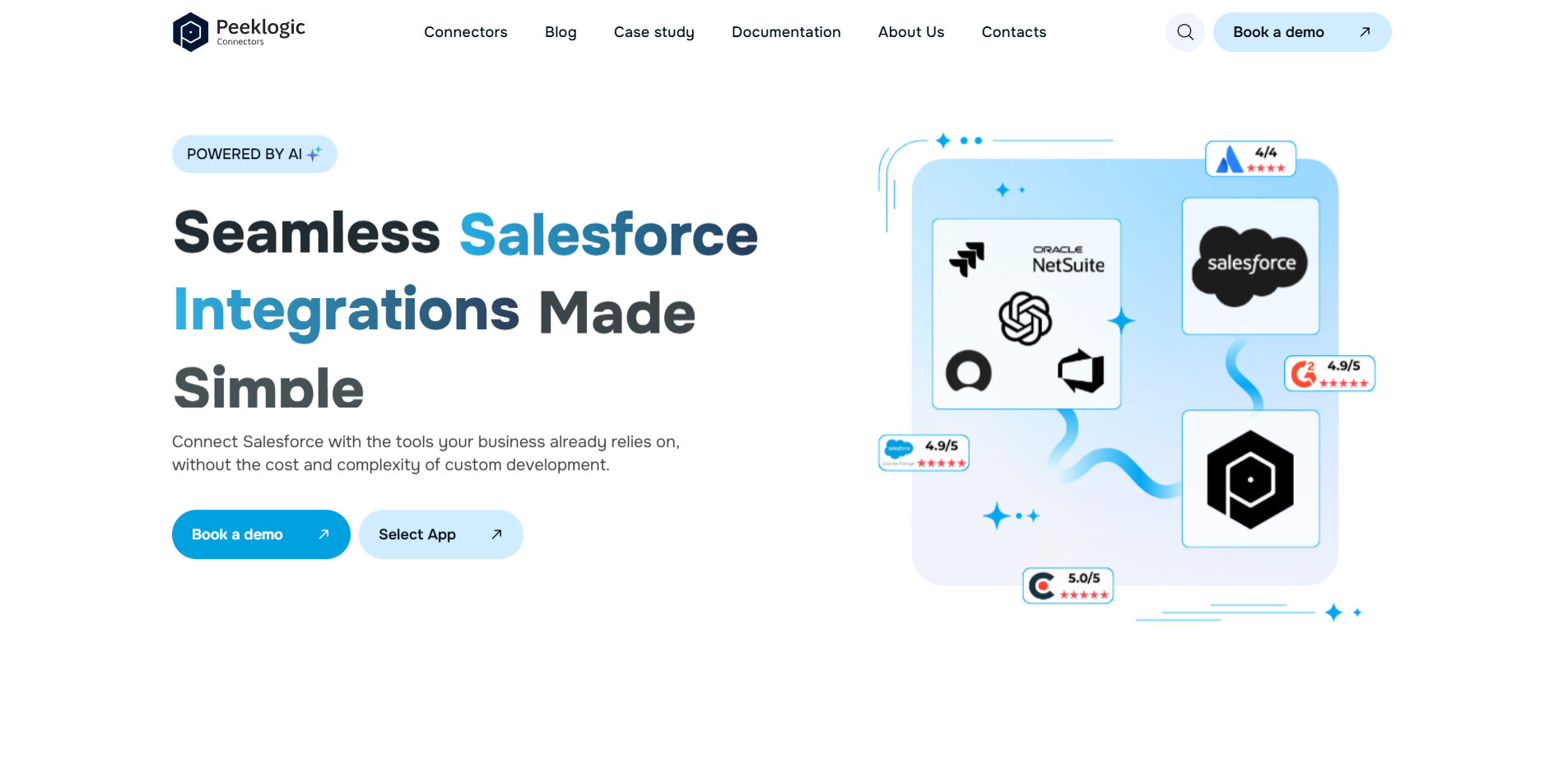
Peeklogic came out of Salesforce consulting. They spent years watching custom integrations fail as clients scaled. The product grew from those real-world problems. Their Salesforce NetSuite Connector is built to support growing teams by keeping sales and financial data synchronized without performance bottlenecks.
How It Handles Growth and Data Volume
The platform handles increasing data volumes without slowing down. Real-time sync means finance sees deals as they close, not after a scheduled batch job. No-code setup reduces complexity when you’re scaling fast. Key capabilities include:
- Real-time sync across increasing data volumes;
- No-code setup reducing scaling complexity;
- AI-powered automation adapting to workflows;
- Flexible data mapping for evolving systems;
- Fast deployment with minimal maintenance.
This combination means your integration doesn’t become a bottleneck when deal volume doubles.
Where It Fits in a Scaling Business
SaaS companies with recurring revenue models benefit from keeping subscription data aligned. Growth-stage companies that need to move fast without building internal integration teams get value from the no-code approach. Organizations with high deal flow appreciate real-time sync that eliminates reconciliation delays.
2. Exalate
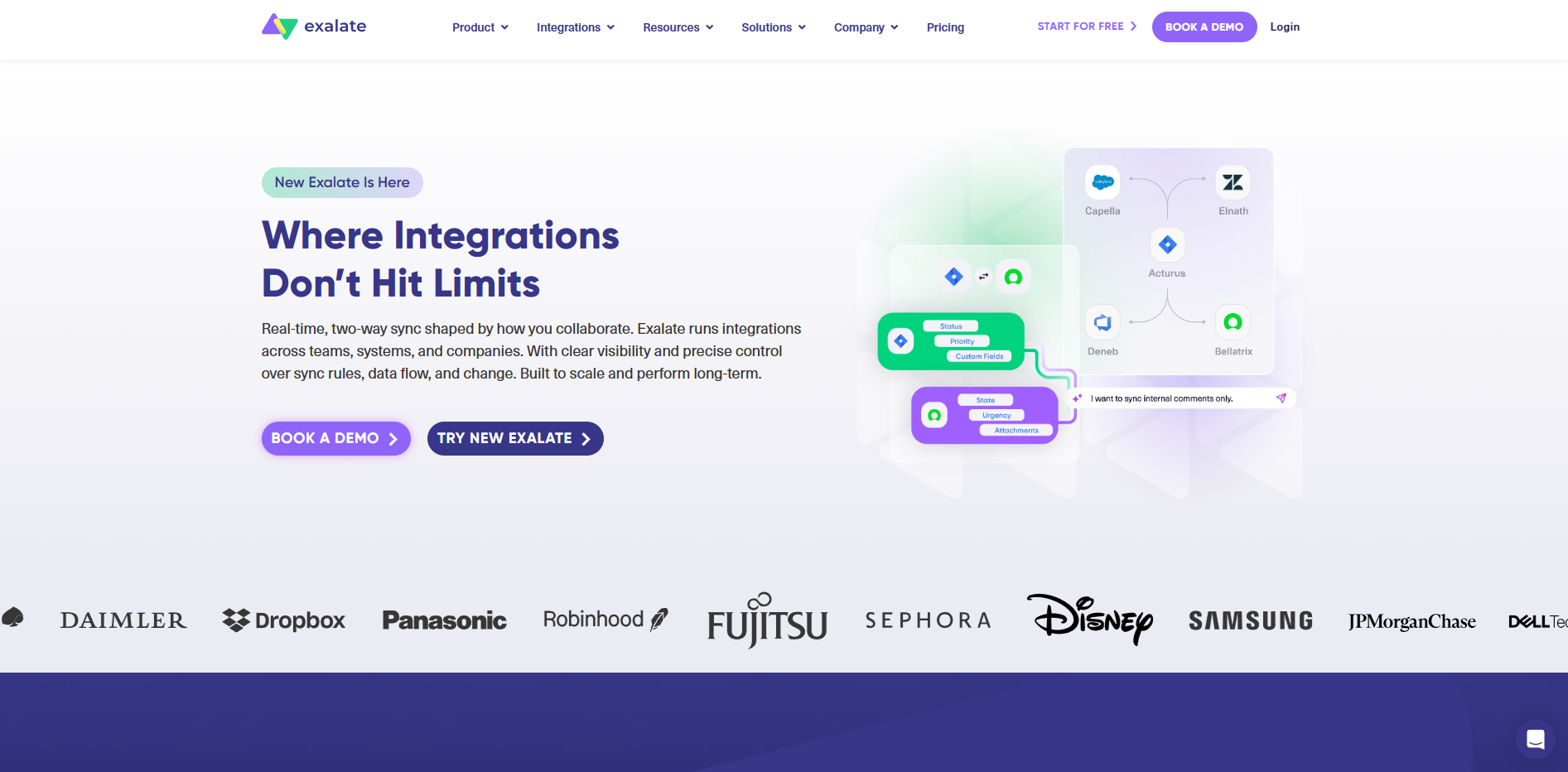
Exalate handles scale through architecture. Decentralized sync means each system controls its own data, which reduces load on both sides. When transaction volumes spike, the integration doesn’t collapse because one side isn’t polling the other constantly.
Script-based configuration gives you control over complex scaling scenarios. You can define exactly what syncs and when. For organizations with unpredictable growth patterns, this flexibility matters. Key capabilities include:
- Advanced customization for complex scaling needs;
- Script-based control for large data environments;
- Decentralized architecture reducing system load;
- Cross-instance synchronization;
- AI-assisted configuration.
The trade-off is that you need developers to maintain the configuration as you scale.
3. ServiceRocket
ServiceRocket approaches scaling through managed services. When your transaction volume doubles, someone monitors the integration to make sure it keeps working. When issues arise, their team handles them. For organizations without internal integration expertise, this model delivers reliability at scale.
They handle migrations from legacy systems when your old integration can’t keep up. They provide SLA-backed support that guarantees uptime. Key capabilities include:
- Managed services for scaling environments;
- Custom integration for complex systems;
- Ongoing monitoring and support;
- SLA-backed reliability;
- Migration from legacy integrations.
ServiceRocket makes sense when you need to scale but don’t have the internal team to manage the integration yourself.
4. Workato
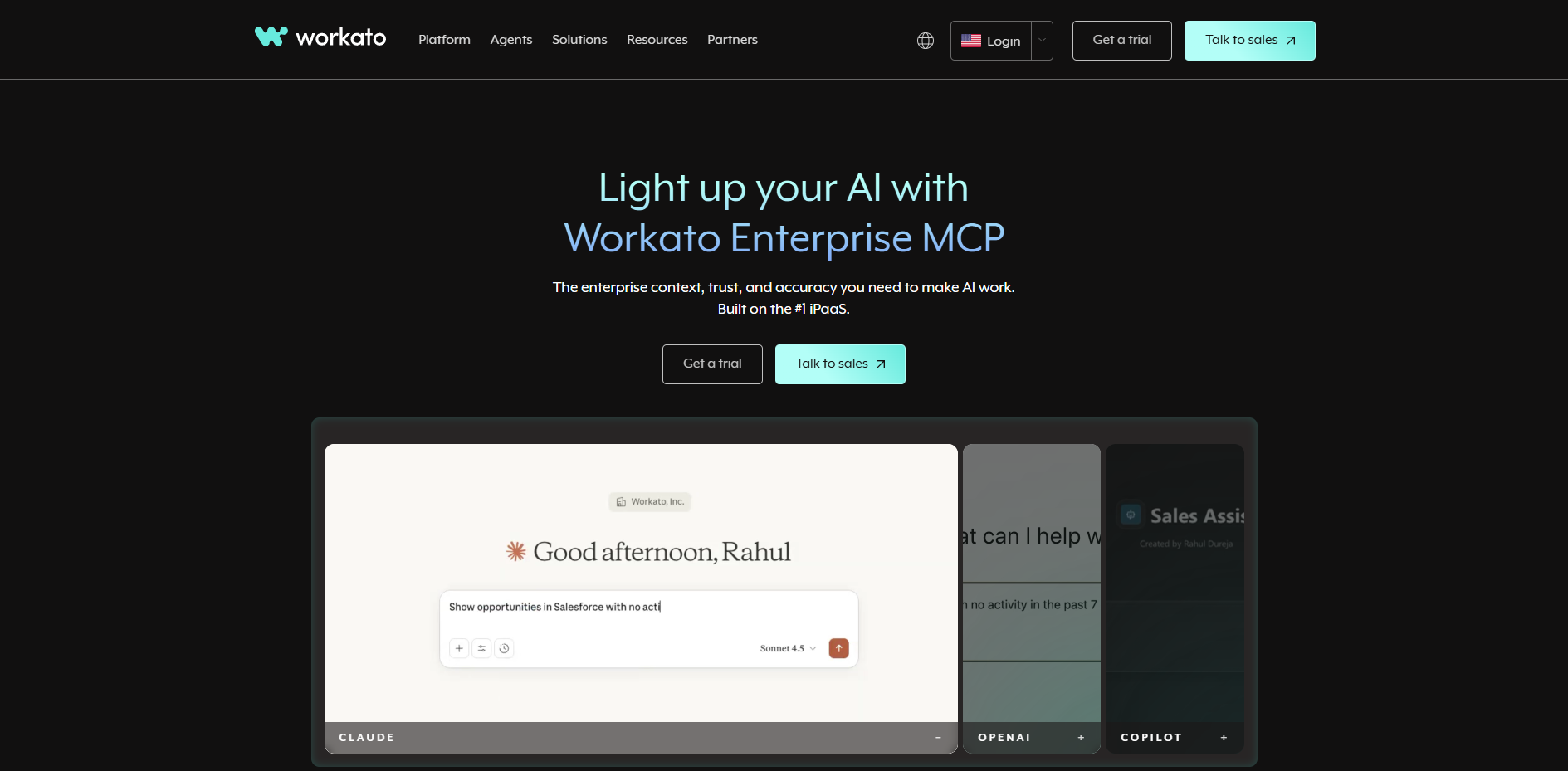
Workato operates as an iPaaS platform built for scale. Visual automation workflows let you build integrations that handle increasing complexity. Pre-built connectors for Salesforce and NetSuite reduce configuration time. Event-driven automation means syncs happen when they need to, not on fixed schedules that create delays.
The platform runs on cloud infrastructure that scales with your transaction volume. As your business grows, Workato handles the load without requiring you to reconfigure. Key capabilities include:
- iPaaS platform supporting scaling integrations;
- Visual automation workflows;
- Pre-built connectors;
- Event-driven automation;
- Cloud scalability.
Workato fits organizations that need to automate multiple processes across systems as they scale.
5. Celigo
Celigo provides pre-built templates for Salesforce and NetSuite that get you running fast. The platform scales on cloud infrastructure, handling increasing transaction volumes without performance hits. Visual workflow builder lets you adjust integrations as your processes evolve.
Error handling and monitoring help you catch issues before they become problems. For organizations scaling from hundreds to thousands of transactions, this matters. Key capabilities include:
- Pre-built templates for Salesforce and NetSuite;
- Scalable cloud-based integration platform;
- Visual workflow builder;
- Monitoring and error handling;
- Multi-system integration support.
Celigo works well for organizations that need to scale across multiple systems, not just Salesforce and NetSuite.
6. MuleSoft
MuleSoft represents the enterprise end of scaling. API-led architecture separates systems from each other, so scaling one doesn’t break the others. High performance under large workloads means you don’t slow down when transaction volume spikes.
Advanced monitoring and logging give you visibility into integration health at scale. Governance features ensure that as you add more integrations, you maintain control. Key capabilities include:
- API-led integration architecture;
- High performance under large workloads;
- Advanced monitoring and logging;
- Enterprise-grade scalability;
- Strong governance features.
MuleSoft fits organizations where integration failures have a significant business impact and where governance requires formal controls.
How to Choose an Integration That Scales With You
Not every tool handles growth the same way. Some start fast but hit limits. Others handle volume but require developer attention you don’t have. When evaluating scalability, consider:
- How the tool handles increasing data volume without slowdowns or timeouts;
- Whether real-time sync remains stable under load or starts delaying updates;
- Level of automation as workflows grow in complexity and number;
- Infrastructure and cloud scalability for future transaction volumes;
- Long-term maintenance requirements as your business evolves.
Start with your growth trajectory. If you’re doubling transactions every year, choose a tool that won’t need replacing in two years. If you have developers available, you can handle more complex tools. If you don’t, prioritize no-code options with built-in scalability.
Final Thoughts
Scaling isn’t just about adding more customers. It’s about keeping systems aligned as complexity multiplies. Peeklogic offers a balanced approach with no-code configuration and real-time sync. Exalate handles scale through decentralized architecture. ServiceRocket manages scaling for you. Workato and Celigo provide iPaaS platforms that grow with you. MuleSoft delivers enterprise-grade scalability.
Choose based on your growth rate, available technical resources, and how much you can spend on maintenance. According to our data, the integration that scales best is the one designed for the trajectory you’re actually on, not the one that looks good on paper.